About Rapid Asset Reload
Introduction
Workflow - Rapid Asset Reload is a new Unity editor plugin that removes a layer of pain for everyone editing assets - Iterate faster! Change your asset (shader / 3D model / texture / stylesheets etc) and see it update in Unity immediately without having to switch back to Unity. Speeds up your teams creativity and workflow.
Features
- Works with all Unity asset types (textures, 3d models, audio, shaders, stylesheets etc)
- Works with UI Toolkit (uxml and uss)
- Zero setup required
- Improves speed & productivity
- Full C# source code included
- Well documented & supported
- Actively maintained
- The best customer support!
Need a custom feature?
Let us know what you need - we can work with you to make it happen - Contact Chocolate Dinosaur
Requirements
- Supports all Unity editor platforms
- Supports all Unity versions from 2019.4.0 up to Unity 6.x
- Supports all render pipelines: Built-in, URP and HDRP
Demo
Customer Reviews
Get this asset
Great asset
Getting Started
- Open the
Rapid Asset Reloadwindow by going to the menuWindow > General > Chocolate Dinosaur > Rapid Asset Reload. - Drag the window and dock it somewhere:
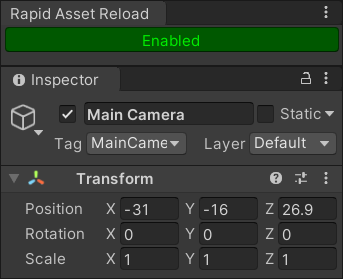
- That's it! Assets will automatically reload when you change them and Unity doesn't have focus.
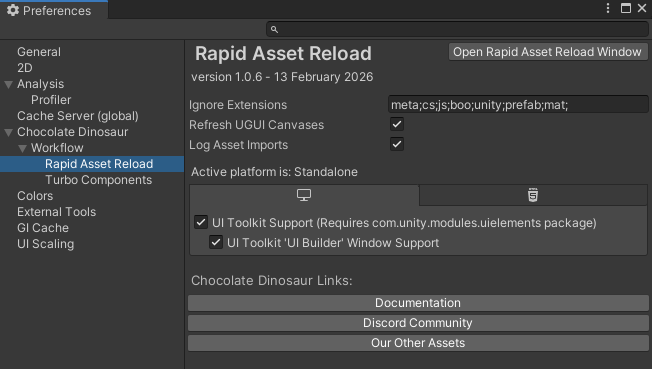
Optionally you can go to Preferences and adjust settings such as enabling UI Toolkit support, and setting which file extensions to ignore.